

Signing in to the internal portal
Open https://signbox.trustlynx.com. You are redirected to the SignBox sign‑in page.
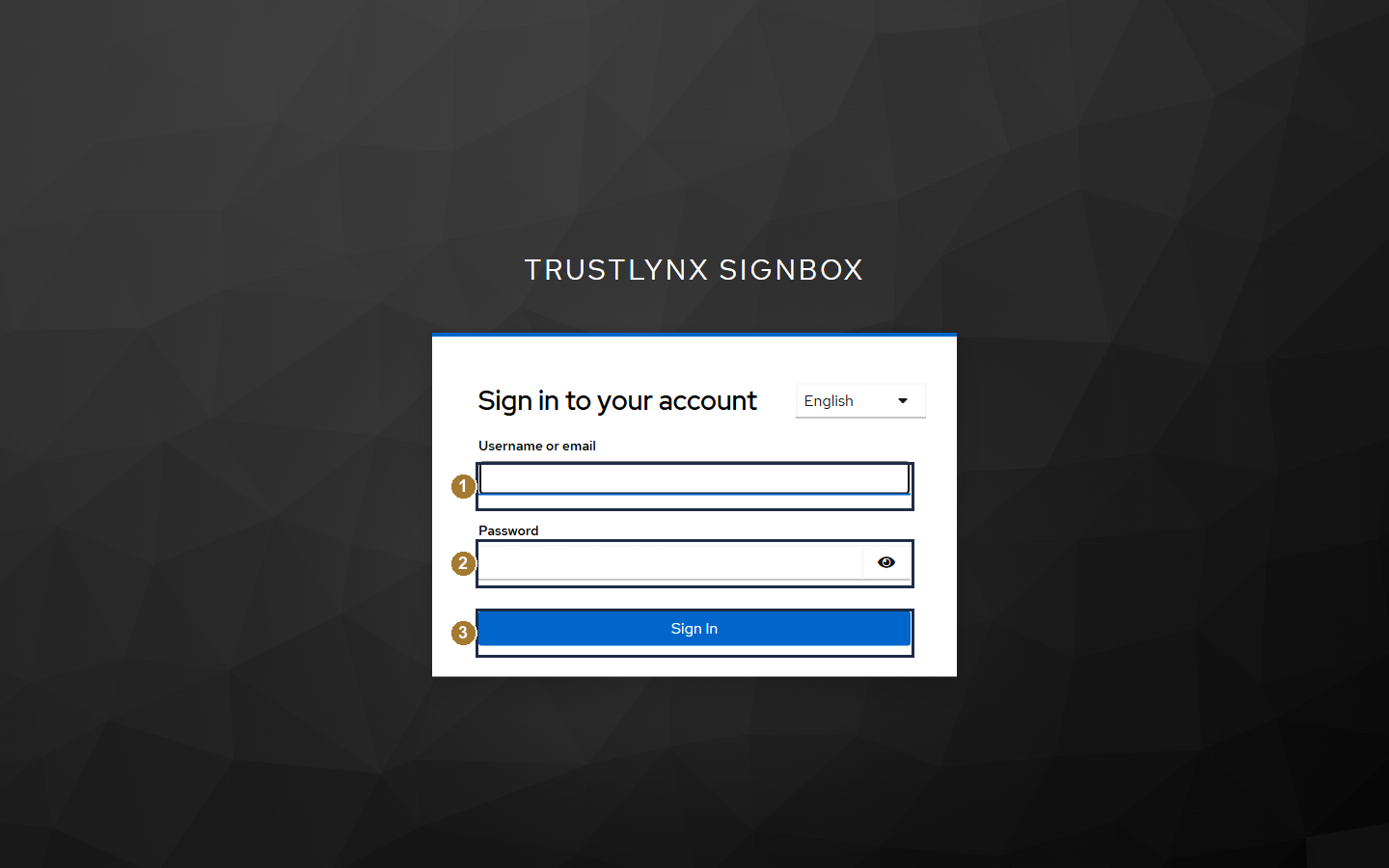
SignBox sign‑in page - enter your username or email and password, then click Sign In.
- Enter your Username or email.
- Enter your Password (use the eye icon to reveal it).
- Click Sign In.
After signing in you land on the Home page, which is also the Create new process page.